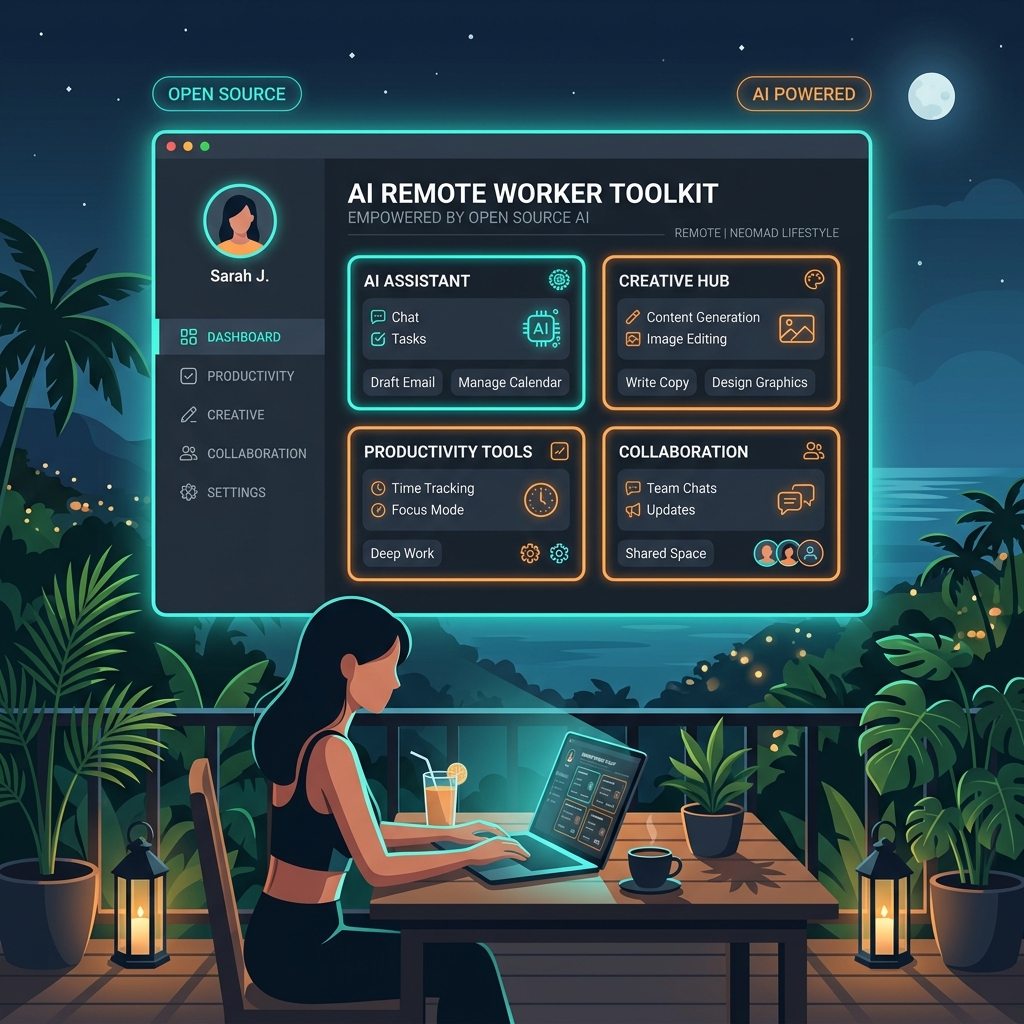
There is a narrative floating around that AI is going to automate everyone out of a job. I fundamentally reject that.
The future belongs to the people who learn how to use AI as a copilot to maximize their professional output—to do the heavy lifting so you can focus on the high-level creative work. We are at a crossroads where we must band together and use technology to elevate our lives, rather than letting corporations optimize purely for profits.
While open-source tools are amazing, they are often incredibly confusing for non-technical users. My goal is to simplify this.
If you are a professional working remotely, this is the curated, BS-free list of AI tools you actually need in 2026.
1. Visuals & Brand: Canva (Magic Studio)
Why it's the absolute #1: If you are managing your own personal brand, client social accounts, or pitch decks, Canva’s Magic Studio is unmatched. You don't need to learn complex prompt engineering or navigate confusing Adobe interfaces. The killer feature here is the AI resize: you design one post, and Canva's AI instantly resizes and reformats it for Instagram Stories, LinkedIn, Pinterest, and TikTok with zero distortion.
It gives you an entire design agency at your fingertips.
2. Organization & Life Management: Notion AI
Why it's the aesthetic organization king: Notion has always been the gold standard for creating a beautiful, aesthetic workspace. But with Notion AI deeply integrated into your databases, it becomes a true second brain.
How to use it:
- Client Management: Dump your raw, messy thoughts after a client call into a page, and have Notion AI instantly summarize them into professional meeting notes and action items.
- Digital Nomad Life: Use it to automatically draft and organize complex travel itineraries, complete with embedded links and visual boards.
3. Video & Content: Descript
Why it's the ultimate confidence booster: Being on camera can be intimidating, especially if you aren't a natural vlogger. Descript takes all the anxiety out of video editing. It transcribes your video, and you edit the video by simply deleting the text in the transcript—exactly like editing a Word document.
Even better, its AI automatically removes all the "umms," "ahhs," and awkward pauses in one click. It makes you sound confident, articulate, and perfectly polished without needing a degree in Premiere Pro.
4. Productivity: Otter.ai or Fathom
Why you need "The AI Secretary": If you spend hours on Zoom or Google Meet, you know how hard it is to stay present in a conversation while frantically taking notes.
Otter.ai and Fathom sit silently in your meetings, recording and transcribing everything. At the end of the call, they send you a perfectly formatted summary of who said what and what the next steps are. The pitch is simple: Never take meeting notes again, so you can actually focus on the creative work and the human connection during the call.
5. Safety & Travel: GeoSure + Roam Around
Why this combination is crucial: If you are traveling and working remotely, safety is paramount. This isn't just about AI; it's about smart tech integration.
Start by using an AI trip planner like Roam Around to instantly generate your itinerary based on your vibe, budget, and remote-work needs (e.g., "Find me cafes with strong Wi-Fi in Da Nang").
But pair that AI planning with crucial software like GeoSure (which provides hyper-local, block-by-block safety scores including a specific "Women's Safety" metric) and Noonlight (a silent SOS button on your phone).
AI gives you the freedom to travel the world; these safety tools ensure you have the peace of mind to actually enjoy it.