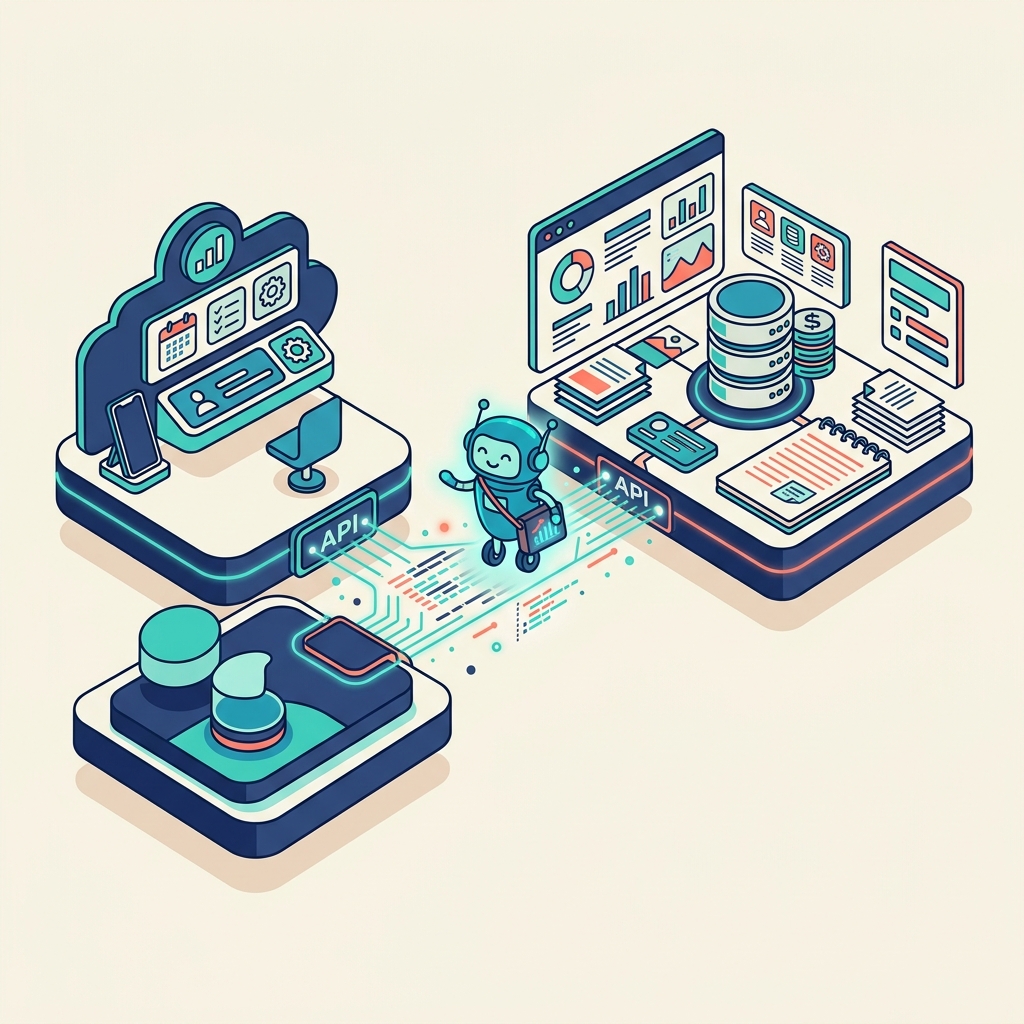
I have a very strict rule for the software I use in 2026: I will only fully commit to a tool if my local AI agent can interface with it.
The future of work is "Agent-to-Agent" (A2A). If an app requires me to manually click through five menus, solve a CAPTCHA, and manually copy-paste data, it's a legacy tool.
That brings us to the two pillars of my current workflow: Hermes (my local, persistent AI agent used for ideation and task orchestration) and Notion (my centralized life and business management hub).
Because Notion has a robust, developer-friendly API, Hermes can talk to it directly. Today, I'm going to show you how to bridge your local agent with your cloud workspace, turning Notion into a self-updating, autonomous system.
Why Connect Hermes to Notion?
Running a local agent like Hermes gives you privacy, low latency, and deep context about your local files. But your local machine isn't the best place to organize a content calendar or track client invoices.
By connecting Hermes to Notion, you get the best of both worlds:
- The Brain Dump: You can voice-record a chaotic brain dump to Hermes locally.
- The Processing: Hermes processes the audio, extracts action items, and formats the data.
- The Execution: Hermes uses the Notion API to automatically create a new project page, populate the Kanban board with tasks, and set due dates—all without you ever opening the Notion app.
You are the "Human on the Balcony," directing the workflow while the agents handle the data entry.
Step 1: Set Up Your Notion Integration
Before Hermes can talk to Notion, you need to give it a key to the front door.
- Go to
www.notion.so/my-integrations. - Click New integration.
- Name it "Hermes Local Agent" and select the workspace you want to connect.
- Under Capabilities, ensure it has "Read content," "Update content," and "Insert content" permissions.
- Save and copy your Internal Integration Secret (API Key). Keep this safe; do not post it publicly.
Crucial Step: Notion databases are private by default. You must navigate to the specific Database you want Hermes to access (e.g., your "Tasks" database), click the three dots in the top right, select Connections, and add your new "Hermes Local Agent" integration.
Step 2: Configuring Hermes
Now we need to teach Hermes how to use that key. Depending on your specific local setup (whether you are using an open-source framework or a custom Python script), the logic remains the same.
You need to provide Hermes with a "Tool" or a "Skill" that makes HTTP requests to the Notion API.
Here is the basic configuration you need to provide to your agent's environment variables:
NOTION_API_KEY="secret_your_api_key_here"
NOTION_VERSION="2022-06-28"
NOTION_TASKS_DB_ID="your_database_id_here"
(You can find your Database ID in the URL of your Notion database, right before the ?v= parameter).
Step 3: Giving Hermes the "Create Task" Skill
You need to define a clear function for Hermes to call when it wants to add something to Notion. If you are using a standard function-calling framework, the prompt instruction looks like this:
System Prompt Addition for Hermes: "You have access to the Notion API. When the user asks you to remember a task, create a project, or log an idea, you must format the data as a JSON payload and send a POST request to
https://api.notion.com/v1/pages. Map the extracted action items to the 'Name', 'Status', and 'Due Date' properties of the database."
Because Hermes is a capable modern agent, once it understands the schema of your Notion database, it can autonomously map your natural language ("Hey Hermes, remind me to invoice the design client next Friday") into the exact JSON required by Notion.
The Result: Zero-Friction Management
Once this connection is live, your workflow completely changes.
You no longer have to stop what you are doing, open a browser, navigate to Notion, click "New Row," and type out a task. You simply tell your local agent what needs to happen, and the agent executes the data entry in the cloud.
If an app doesn't allow this kind of seamless, API-driven agentic interaction in 2026, it is slowing you down. By connecting Hermes and Notion, you build a resilient, automated system that scales with your ambition.