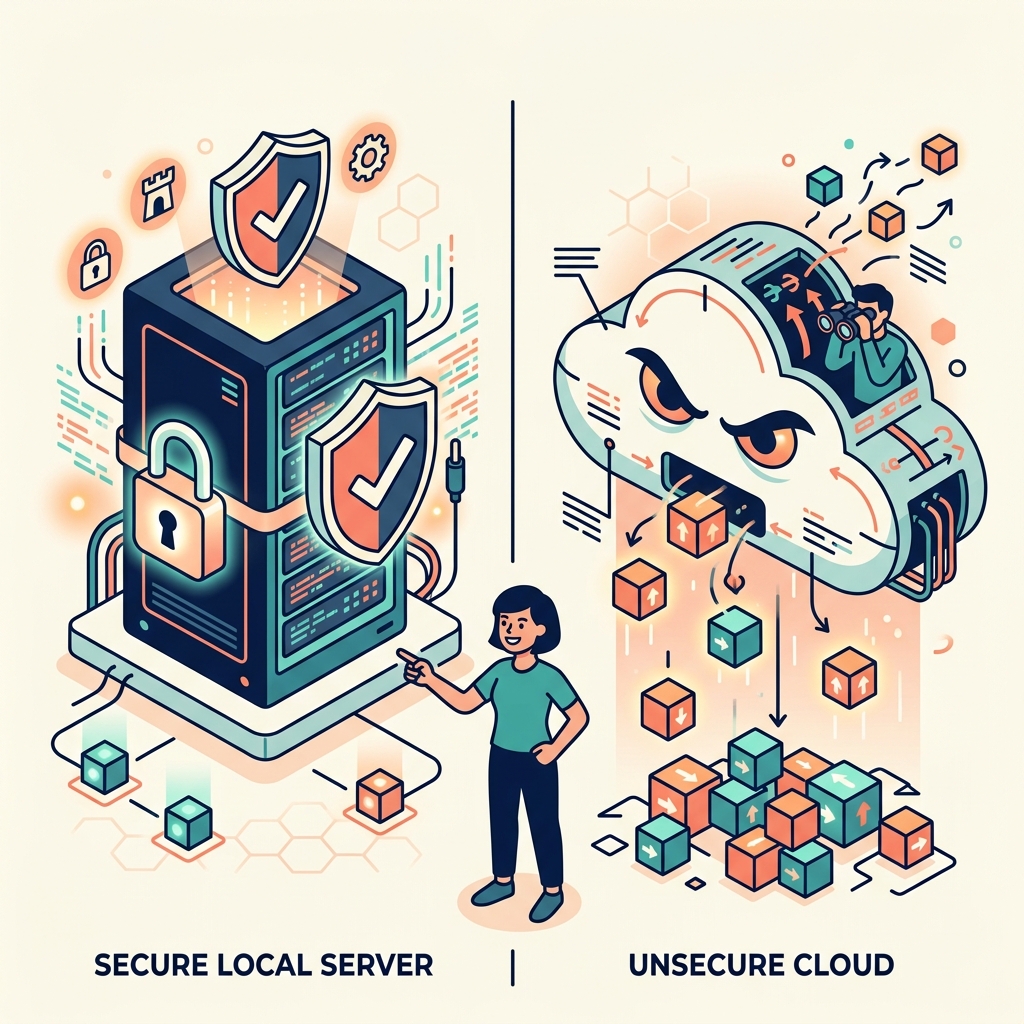
The shift to remote work gave us freedom, but it also blurred the lines of data security. As an independent consultant, I frequently audit the workflows of creative agencies and solo practitioners. I routinely discover a terrifying oversight: creatives are pasting unredacted, proprietary client data directly into cloud-based AI tools.
If you are uploading client strategy documents, financial projections, or unreleased brand assets to a public LLM, you are likely in breach of your Non-Disclosure Agreements (NDAs).
Here is why understanding the distinction between local and cloud AI is no longer a technical debate—it is a legal necessity.
The Cloud AI Trap
Cloud AI (like standard ChatGPT, Claude, or Gemini web interfaces) processes your data on their servers. While policies vary, the default stance for many consumer-grade cloud tools is that your inputs can be used to train future models.
When I was producing assets for global brands like Marvel and Disney, security protocols were paramount. A leaked plot point or character design could jeopardize millions. If you paste a script from a high-level client into a cloud AI to "summarize the key themes," that script has left your secure environment and entered a corporate server.
Even if the platform claims not to train on your data, a data breach on their end exposes your client's IP. The liability rests on you.
The Local AI Imperative
Local AI fundamentally solves this problem. A local AI model runs entirely on the hardware sitting on your desk.
If I download an open-source model (like Llama 3) via a tool like Ollama, I can disconnect my computer from the internet and the AI will still function perfectly. When I ask my local agent to analyze a sensitive donor database for my charity, Become Inspired, not a single byte of that data is transmitted over the web.
Why Remote Creatives Must Pivot to Local
- Ironclad Compliance: You can sign any enterprise NDA with confidence, knowing your workflow inherently guarantees data sovereignty.
- Offline Capability: As a slowmad moving between Southeast Asia and London, internet reliability is variable. A local model allows you to maintain high-output deep work even on a 12-hour flight with no Wi-Fi.
- No Hidden Costs: Cloud AI providers charge per query or via monthly subscriptions. Local AI relies on your existing hardware investment, turning your laptop into a secure, cost-free processing center.
When is Cloud AI Acceptable?
Cloud AI still has its place. Models like Gemini 3.1 Pro offer unparalleled reasoning and multimodal capabilities that a standard laptop cannot replicate.
The rule is simple: Use cloud AI for ideation, use local AI for execution.
If you are brainstorming general concepts, writing code from scratch, or asking for general advice, cloud AI is fine. If you are processing existing client data, summarizing internal emails, or formatting proprietary documents, it must be done locally.
Protect your clients. Protect your business. Own your data.
FAQ
Q: What is the difference between Local AI and Cloud AI?
A: Cloud AI processes your data on remote servers owned by third parties. Local AI processes data entirely on your own computer's hardware, meaning the data never leaves your device.
Q: Is it illegal to use Cloud AI for client work?
A: It depends on your NDA. However, pasting confidential client data into a consumer-grade cloud AI is generally considered a breach of standard confidentiality agreements, as you are transmitting proprietary data to an unauthorized third party.
Q: Do I need a powerful computer to run Local AI?
A: You need a reasonably modern machine. An Apple Silicon Mac (M1/M2/M3) with at least 16GB of RAM, or a PC with a dedicated GPU, is typically sufficient to run highly capable local models efficiently.