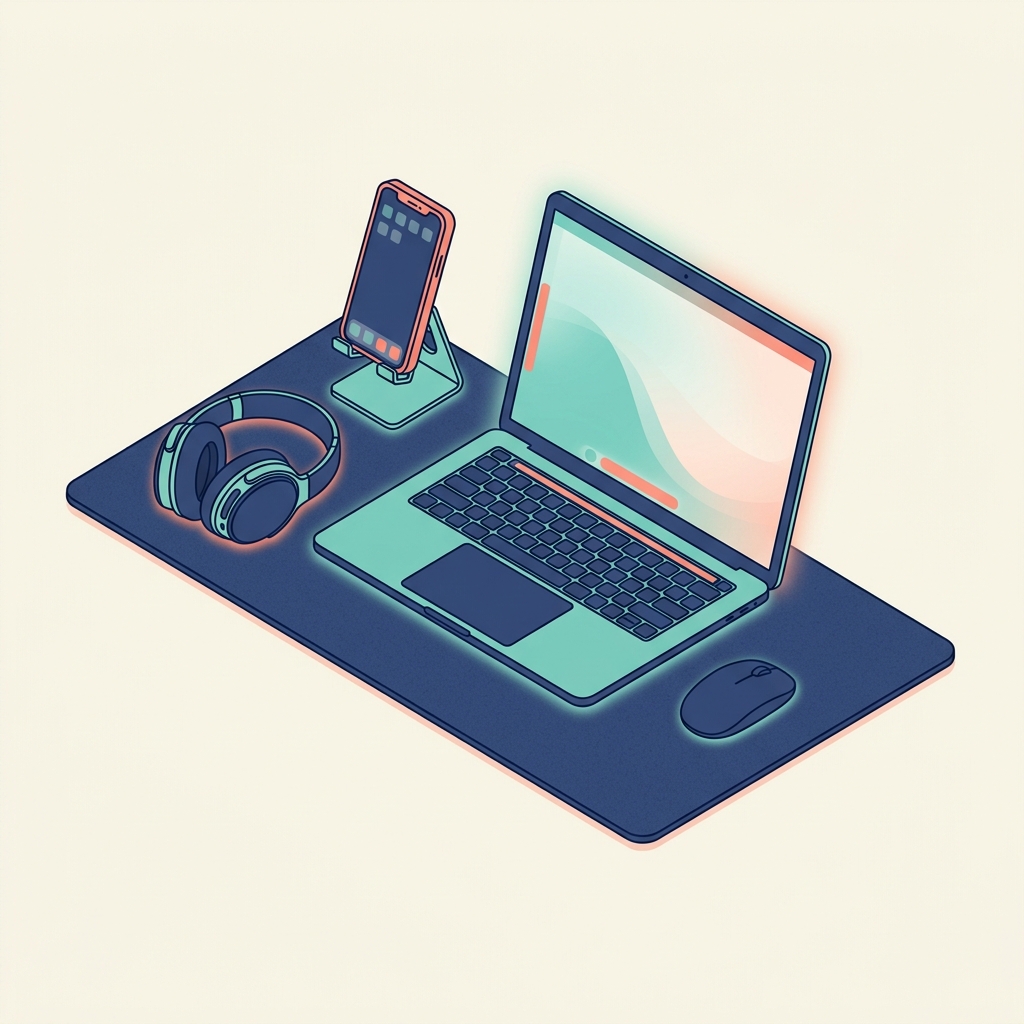
Every "what's in my bag" post for remote workers falls into the same trap: too much gear, too many accessories, and a backpack that weighs more than the checked luggage limit. When you move between cities every 1-3 months, every gram matters and every item needs to justify its presence.
Here is what actually matters for AI-augmented remote work, stripped down to essentials.
The Non-Negotiables
1. Laptop (The Entire Office)
A capable laptop is not optional. For AI work—running local models, vibe coding, managing agent workflows—you need:
- Minimum 16GB RAM (32GB preferred for local model inference)
- Modern processor with good single-thread performance
- 512GB+ SSD for fast file access and model storage
- Good keyboard (you type thousands of words per day; finger comfort is productivity)
- 7+ hours real-world battery (cafés and airports don't always have outlets)
The specific brand matters less than these specs. Whether it's a ThinkPad, MacBook, or Framework Laptop, the capabilities above are your minimum viable workstation.
2. Internet Backup
Hotel and café Wi-Fi will fail at the worst possible time. Carry a backup:
- A local SIM with data in each country you visit. eSIM providers like Airalo simplify this across borders.
- Phone as hotspot with at least 10GB/month data plan.
3. Noise-Cancelling Headphones
Non-negotiable for client calls in noisy environments. Also essential for focus work in shared spaces. One pair of quality noise-cancelling headphones replaces the need for a private office.
4. Charger and Cables
- One USB-C charger that handles both laptop and phone (many modern chargers do both with sufficient wattage)
- One universal travel adapter (if moving between countries with different socket types)
- Minimal cables: USB-C to USB-C, one spare
The Nice-to-Haves
- Portable monitor: A lightweight USB-C monitor for dual-screen productivity. Only worth the weight if you do heavy multi-document work.
- Laptop stand: A foldable aluminium stand for ergonomic screen height. Small, light, and significant for posture during long work sessions.
- External keyboard and mouse: Only if your laptop keyboard is uncomfortable for extended use.
What You Don't Need
- External hard drives (cloud storage + local SSD is sufficient for most workflows)
- Multiple chargers (one USB-C charger handles everything)
- Tablet (unless it serves a distinct purpose your laptop doesn't—for most consultants, it's redundant)
- Webcam (laptop cameras in 2026 are more than adequate for professional calls)
The Software Layer
Your software stack should be entirely location-independent:
- Everything runs either locally (Obsidian, Ollama, VS Code) or in the cloud (Notion, Google Workspace, n8n on VPS)
- No software that requires specific network configurations or VPN dependencies
- All work is backed up to cloud storage automatically
The Philosophy
Minimalism in your travel setup is not about deprivation—it's about reducing the friction of movement. Every unnecessary item you carry is a decision you have to make when packing, a thing you might lose, and weight on your back.
The goal is to reach a state where moving to a new city requires: pack laptop, pack headphones, pack charger, walk out the door. Everything else is in the cloud or on the laptop.