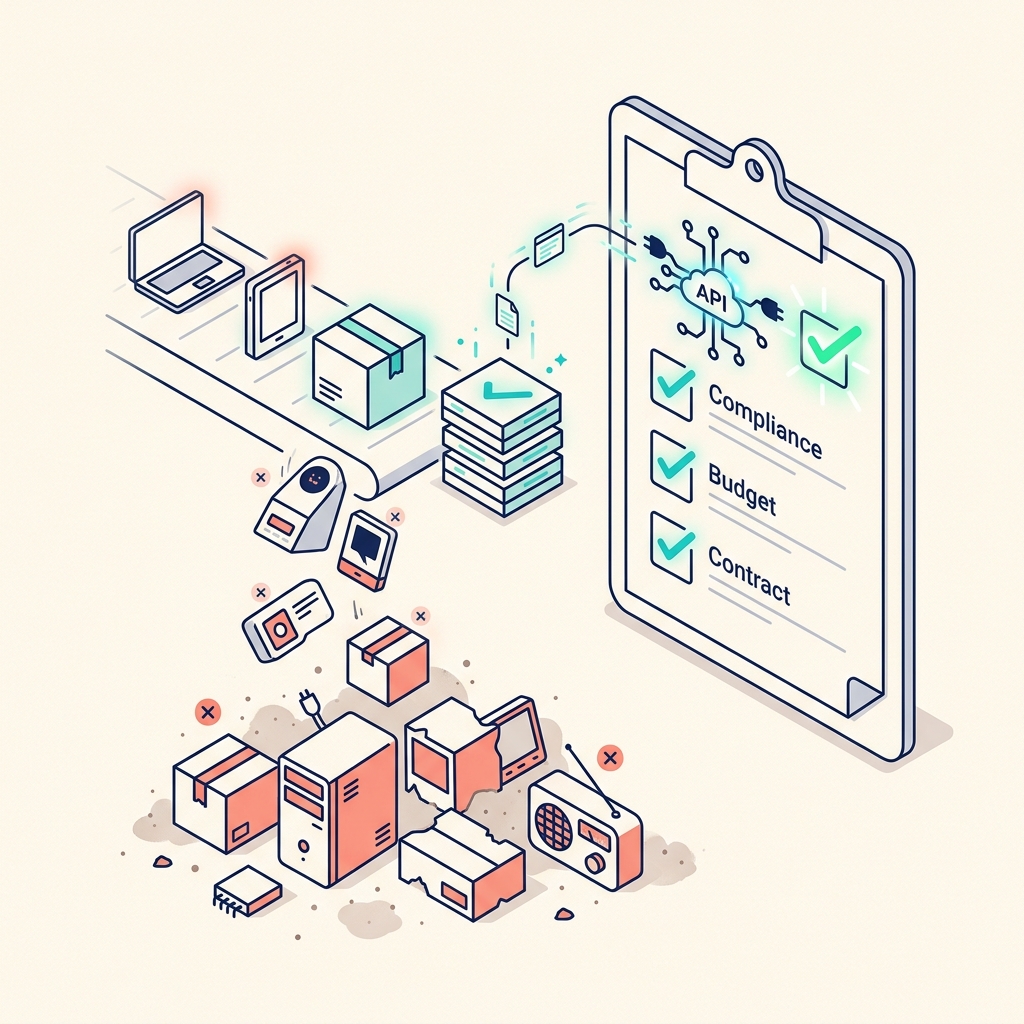
There is one question that should precede every software purchasing decision: "Does it have an API?"
If the answer is no, the tool is an automation dead end. It will trap your data, require manual interaction for every operation, and become a bottleneck in your otherwise automated workflow. No matter how good the UI is, no matter how compelling the features, no matter how affordable the pricing—if it doesn't expose an API, it doesn't earn a place in your stack.
Why APIs Are Non-Negotiable
An API (Application Programming Interface) is a structured way for software to talk to other software. When a tool has an API, your AI agent can:
- Read data from the tool programmatically (pulling client records, retrieving project statuses)
- Write data to the tool (creating entries, updating statuses, adding content)
- Trigger actions (sending emails, generating reports, moving items between stages)
- React to events (when something changes in the tool, your agent can respond automatically via webhooks)
Without an API, every interaction requires a human clicking buttons in a browser. That is not automation—it's assisted manual labour.
The Procurement Checklist
Before subscribing to any tool, verify:
- Does it have a REST API or GraphQL API? Check the developer documentation.
- Is the API well-documented? Poor documentation means difficult integration and high maintenance costs.
- What can the API do? Some APIs are limited—they might let you read data but not write. Full CRUD (Create, Read, Update, Delete) access is the minimum viable capability.
- Does it support webhooks? Webhooks allow the tool to push notifications to your systems when events occur. This enables real-time automation.
- What are the rate limits? Some APIs throttle requests aggressively, making high-volume automation impractical.
- Is there a free tier for API access? Some tools charge separately for API access on top of their subscription fee.
Tools That Pass the Test
The technology stack recommended throughout this site passes the "No API, No Buy" test:
- Notion: Comprehensive REST API with full CRUD access and database querying
- Google AI Studio: Full REST API for model access (Gemini Pro, Flash, Veo)
- Stripe: Industry-leading REST API for payments
- SendGrid/Postmark: Full API for transactional email
- Vercel: Deployment API for automated publishing
- Google Workspace: Full API suite (Gmail, Calendar, Drive)
- n8n: Visual API orchestration + custom code execution
Tools That Fail (Common Examples)
Many popular tools have limited or no API access:
- Design tools that only work through their GUI
- Scheduling tools that don't allow programmatic booking
- Social media tools that restrict API access to enterprise plans
- Note-taking apps that store data in proprietary formats
These tools might be individually excellent, but they create islands in your workflow that your agent cannot reach.
The Strategic Implication
The "No API, No Buy" rule is ultimately about preserving your future automation potential. Every tool decision you make today either expands or constrains your ability to automate tomorrow.
A fully API-connected stack means that any future automation idea is possible. A stack with API dead ends means every new automation hits a wall that requires human intervention to bypass.
Choose tools that respect your right to access your own data programmatically. That is the foundation of digital sovereignty and the prerequisite for genuine AI-first operations.