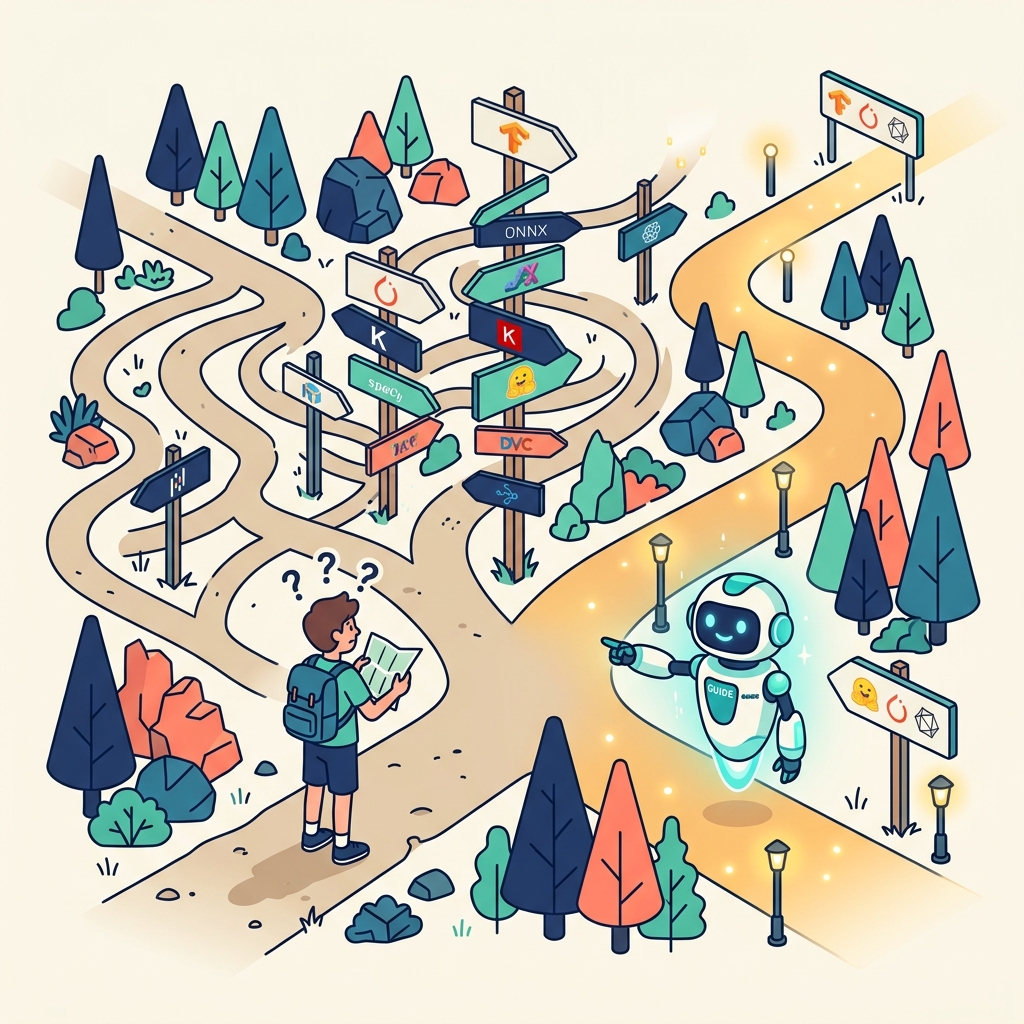
"Open source" sounds like it should mean "free and easy." In practice, the open-source AI ecosystem is littered with technical jargon, command-line instructions, and documentation written for developers. This post translates it into plain language.
What Open Source AI Actually Means
An open-source AI model is one where the code and model weights (the trained "brain") are publicly available. Anyone can download it, run it, inspect it, modify it, and distribute it—subject to the specific licence terms.
The key difference from closed-source AI (like the free tiers of ChatGPT or Gemini):
- Closed source: You access the model through a web interface or API. You don't know exactly how it works. Your data goes to their servers.
- Open source: You download the model and run it on your own hardware. You can see exactly what it does. Your data stays on your machine.
The Key Players
Model Providers
- Meta (Llama): One of the most widely used open-source model families. Available in multiple sizes for different hardware capabilities.
- Mistral: French AI company producing high-performance open models.
- Google (Gemma): Smaller, efficient models designed to run on consumer hardware.
Running Open Models Locally
- Ollama: The simplest way to run open-source models on your own computer. Install it, run a command, and you have a local AI that works offline.
- LM Studio: A desktop application with a graphical interface for running local models—no command line required.
How to Get Started (5 Minutes)
- Download Ollama from ollama.com and install it
- Open your terminal (Command Prompt on Windows, Terminal on Mac)
- Type:
ollama run llama3.2(or whichever model you want) - Wait for the model to download (this happens once)
- Start chatting — you now have a local AI running entirely on your machine
That's it. No account creation, no API keys, no credit card.
Common Questions
"Is it as good as ChatGPT?" For many tasks (drafting, analysis, brainstorming), open-source models are very capable. For frontier tasks requiring the very latest capabilities, closed-source models may still have an edge. The gap is narrowing.
"What computer do I need?" Smaller models (7-8 billion parameters) run on most modern laptops with 8GB+ RAM. Larger models (70+ billion parameters) need more powerful hardware or a dedicated GPU.
"Is it really free?" The models are free to download and use. The electricity to run them on your hardware is your only cost.
"What about updates?"
Open-source models are updated by their communities. Running ollama pull llama3.2 downloads the latest version.
Why Bother?
If you're comfortable with cloud AI services and don't handle sensitive data, the convenience argument is valid. But if you value privacy, want to work offline, or want to understand what's actually happening with your data, open-source AI is worth the small learning curve.
Start with Ollama. Run one conversation. See how it feels. Then decide whether the privacy and control benefits justify making local AI part of your workflow.