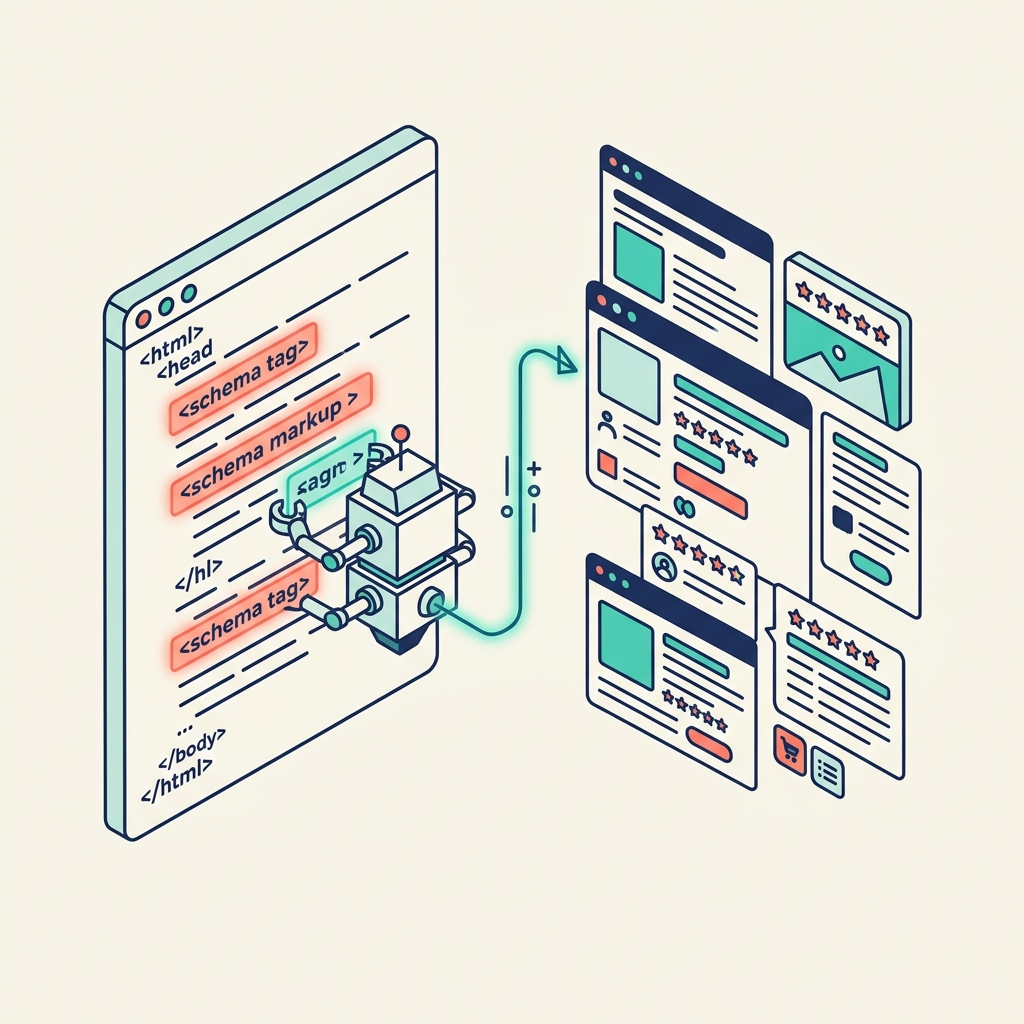
Your content might be brilliant. But if AI engines can't parse it efficiently, it won't get cited in AI-generated answers. Schema markup is the technical layer that makes your content machine-readable—and it's simpler to implement than most people think.
What Schema Markup Is
Schema markup is a standardised vocabulary (defined at schema.org) that you add to your web pages to help search engines and AI systems understand what your content is about. It answers basic questions that machines struggle to infer from raw text:
- Who wrote this? (Person schema)
- What type of content is this? (Article, FAQPage, HowTo, Product)
- When was it published? (datePublished)
- What organisation is behind it? (Organization schema)
- What questions does it answer? (FAQPage schema)
Why It Matters for AEO
AI answer engines synthesise information from multiple sources. When deciding which sources to cite, they evaluate:
- Content relevance: Does the content answer the query?
- Entity trust: Is the author/organisation a verified entity?
- Structure clarity: Can the AI easily extract the relevant information?
Schema markup directly improves #2 and #3. It doesn't make bad content good, but it makes good content more discoverable and citable.
The Essential Schema Types
Article Schema
Add to every blog post. Tells AI engines: this is an article, written by this person, published on this date, about this topic.
{
  "@context": "https://schema.org",
  "@type": "Article",
  "headline": "Your Post Title",
  "description": "A brief description",
  "author": {
    "@type": "Person",
    "name": "Your Name"
  },
  "datePublished": "2026-07-03"
}
FAQPage Schema
Add to any page with question-and-answer content. This is exceptionally effective for AEO because AI engines are specifically looking for clear Q&A pairs.
Person Schema
Add to your about page. Establishes your entity identity—who you are, what you do, where you're based. AI engines cross-reference this across the web to build trust.
Organization Schema
Add to your homepage. Establishes your brand as a verified entity with a name, logo, and description.
How to Implement It
Option 1: JSON-LD (Recommended)
Add a <script type="application/ld+json"> block to your page's HTML. This is the method Google recommends and is the easiest to implement—it's just a block of JSON that doesn't interfere with your visible content.
Option 2: Automated via CMS
Most modern CMS platforms (WordPress, Next.js with plugins, Astro with custom components) can generate schema markup automatically from your content metadata.
Option 3: Vibe Code It
Ask your AI coding tool: "Generate Article and FAQPage schema markup for this blog post. Use JSON-LD format. Include the headline, description, author, and publication date from the frontmatter."
Testing Your Schema
After implementation, validate your markup using:
- Google Rich Results Test: Tests whether your schema produces eligible rich results
- Schema.org Validator: Checks for syntax errors and missing required properties
The Golden Rule
Schema markup must align perfectly with your visible, user-facing content. Never use schema to describe information that isn't actually on the page. AI engines detect this mismatch, and it damages trust rather than building it.
Think of schema as a content label, not a marketing tool. It describes what's there—it doesn't invent what isn't.