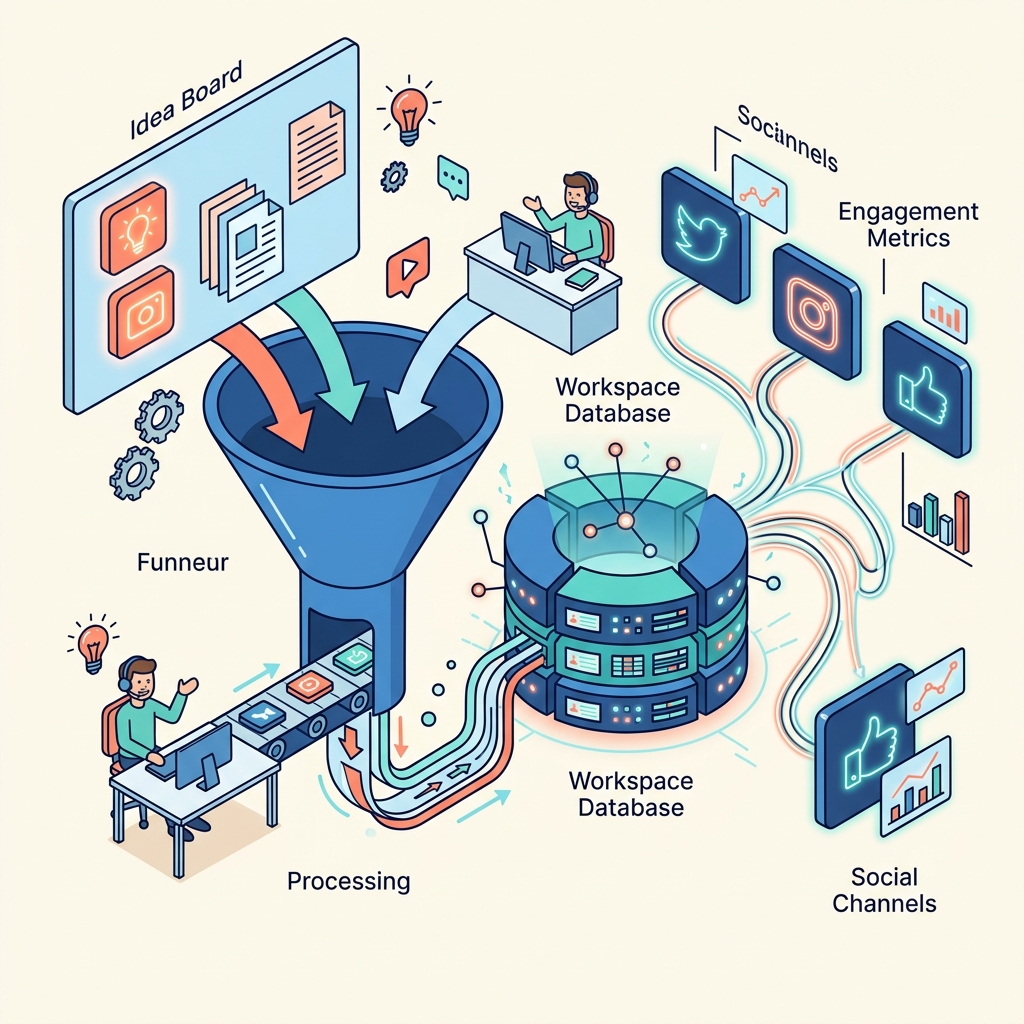
The ideal marketing system for a solo consultant has three properties: it runs without daily attention, it compounds over time, and it feeds qualified leads directly into your pipeline. Building this system requires connecting two tools that most people use in isolation: Pinterest and Notion.
The Funnel Architecture
Top of Funnel: Pinterest Pinterest pins serve as discovery points. Each pin targets a specific search query, links to a blog post on your site, and introduces new visitors to your expertise. Because pins have a multi-month lifespan, you build a growing library of discovery assets that work 24/7.
Middle of Funnel: Blog Content Your blog posts (hosted on your site) deliver value and establish authority. Each post includes a contextual call-to-action—either a lead magnet (interactive quiz, assessment tool, free resource) or a direct consultation booking link.
Bottom of Funnel: Notion Pipeline When a visitor converts (submits a form, completes a quiz, books a call), their data flows directly into your Notion CRM via the Notion API. From there, Notion's Custom Agents or your external automation (n8n, Make) handle the follow-up.
Setting It Up
Step 1: Content Calendar in Notion
Create a Notion database for your content calendar with fields for: Title, Target Keywords, Platform (Blog, Pinterest), Status (Draft, Published, Scheduled), Publish Date, and linked Pin URL.
Step 2: Batch Content Creation
Dedicate one day per month to:
- Write or generate 4-8 blog posts targeting keywords your audience searches for on both Google and Pinterest
- Create corresponding Pinterest pins in Canva (or batch-generate them with Canva AI)
- Schedule pins using Pinterest's native scheduler or a tool like Tailwind
Step 3: Lead Capture Integration
Ensure every blog post has a clear conversion path:
- Embed a lead magnet form that submits to Notion via API
- Include a booking link for consultation calls
- Add an email signup for ongoing nurturing
Step 4: Automated Follow-Up
Configure your automation tool (n8n is recommended for its API flexibility and self-hosted privacy) to:
- Send a personalised welcome email when a new lead appears in Notion
- Move the lead through pipeline stages based on their actions
- Alert you only when a lead is warm enough for personal attention
The "Forget It" Part
Once this system is running:
- Pinterest handles discovery (pins compound, driving increasing traffic month over month)
- Blog content handles conversion (always available, always on-message)
- Notion handles pipeline management (Custom Agents review and update statuses)
- n8n handles communication (automated emails, alerts, follow-ups)
You check in weekly to review the dashboard, approve any agent-drafted communications, and handle personal conversations with qualified leads. The rest runs itself.
This is the "Human on the Balcony" applied to marketing. You designed the system once. Now you oversee it.