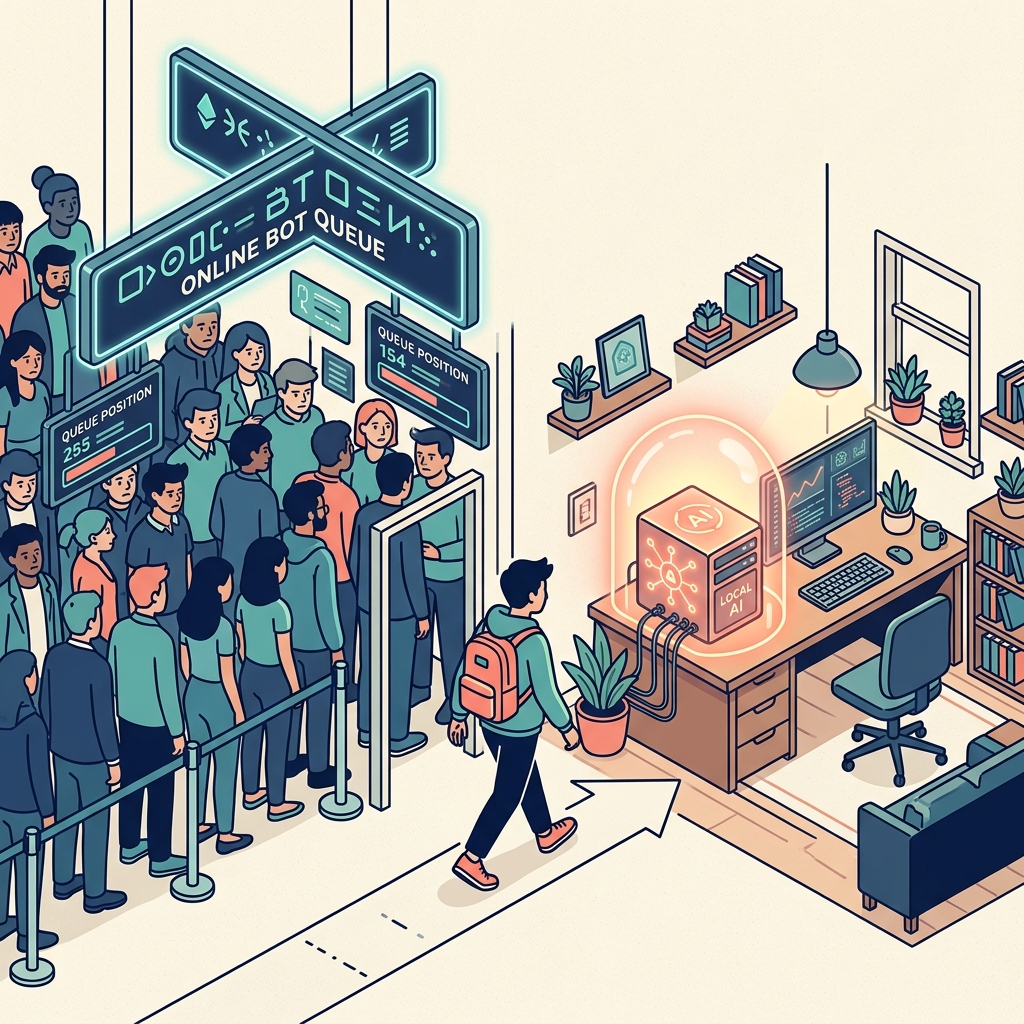
Whenever I run a workshop for creatives or independent consultants, I ask them how they use AI. Almost universally, the answer is some variation of: "I go to ChatGPT, I paste in a prompt, and I copy out the answer."
This is fundamentally the wrong mental model.
You are treating a reasoning engine like a search engine. When you use cloud-based chatbots this way, you are locked into a repetitive, amnesiac loop. Every time you open a new chat, the AI forgets your brand voice, your client's specific pain points, and the context of your project. You spend 20 minutes just writing prompts to get it up to speed.
There is a better way. The future of creative work isn't better prompting; it's building a persistent, local AI agent.
The Amnesia Problem in Cloud AI
Cloud AI services are incredible pieces of technology, but they are built for the masses, not for your specific workflow. When you rely solely on walled-garden cloud platforms:
- You lack persistence: The AI forgets your business model the moment the chat window closes.
- You leak data: Every prompt you write trains a corporate model, which is a massive liability if you handle sensitive client data.
- You act as the API: You have to manually move data from your email, to the AI, to your document, to your invoicing software.
During my time working on campaigns for Disney and Marvel, the value of a creative asset was inherently tied to its context and confidentiality. You cannot afford to throw sensitive IP into a public chat box.
What is a Persistent Local AI?
A persistent local AI is a model that lives on your actual hard drive. It reads your files (locally), remembers your past interactions, and builds an evolving understanding of your business.
Because it operates on your machine, it has true "memory." You don't have to remind it what your brand voice sounds like; it has indexed your entire history of blog posts and proposals.
Why You Need to Make the Switch Today
- Absolute Data Sovereignty: When I'm structuring a curriculum for Become Inspired (my SEND education charity), I am dealing with sensitive educational frameworks. A local model guarantees that not a single byte of that data leaves my laptop.
- Contextual Awareness: My local agent knows that I prefer UK English, that I write in a direct, consultative tone, and that my target audience is remote creatives. I never have to prompt for this. It is baked into the agent's persistent memory.
- Workflow Orchestration: A local AI can directly interact with your local file system. It can read a PDF on your desktop, summarize it, and save the summary as a new Markdown file in your Obsidian vault. Cloud AIs cannot do this without complex, insecure workarounds.
Shifting Your Mindset
Stop thinking of AI as an oracle you ask questions to. Start thinking of it as an operating system that runs alongside you.
Your goal as an independent professional is to become the "Human on the Balcony"—the director who oversees automated workflows, rather than the laborer grinding out manual text generation. Building a local, persistent AI is the first, mandatory step toward true digital sovereignty.
FAQ
Q: What does a persistent AI mean?
A: A persistent AI remembers context across multiple sessions. Instead of starting from scratch every time you open it, it maintains a memory of your brand, preferences, and past projects (usually via a local vector database).
Q: How do I run AI locally on my computer?
A: You can use free, open-source software like Ollama or LM Studio. These programs allow you to download models (like Llama 3) and run them entirely on your hardware, without needing an internet connection.
Q: Does local AI cost money?
A: The software and the open-source models are free. The only "cost" is your hardware. You need a relatively modern computer (like an Apple Silicon Mac or a PC with a decent GPU) and sufficient RAM (usually 16GB+) to run them smoothly.