Your inbox is a public to-do list that anyone in the world can add to without your permission.
For creative professionals, independent consultants, and slowmads managing asynchronous client work, the inbox is the primary enemy of deep work. You cannot execute high-level strategy when you are drowning in software update notifications, vague client revisions, and unsolicited pitches.
For years, my solution was just to ignore it until Friday. Now, I don't look at my raw inbox at all. My local AI agent, Hermes, acts as a ruthless, highly intelligent gatekeeper.
Here is how I set up a persistent local agent to orchestrate my communications and protect my time.
The Problem with Traditional Email Filters
We all use basic email rules: "If sender contains 'unsubscribe', move to folder." But these are static and brittle. They don't understand context. A high-ticket client might send a vague email that looks like spam, or a spammer might send an email that looks like a high-ticket client.
To properly gatekeep, you need semantic understanding. You need an agent that can read the email, understand the intent, and make a strategic decision based on your current priorities.
The Hermes Inbox Architecture
My email workflow relies on a local AI model, an open API, and strict orchestration rules. Here is the exact setup.
1. The Secure Connection (n8n + API)
Because of the "No API, No Buy" rule, I route my email through n8n (an open-source automation tool running locally). When an email arrives, n8n strips the raw text and sends it to my local LLM. I never use cloud AI for this—client emails contain sensitive NDAs, financial data, and IP. It must stay on my hardware.
2. Semantic Triage (The Local LLM)
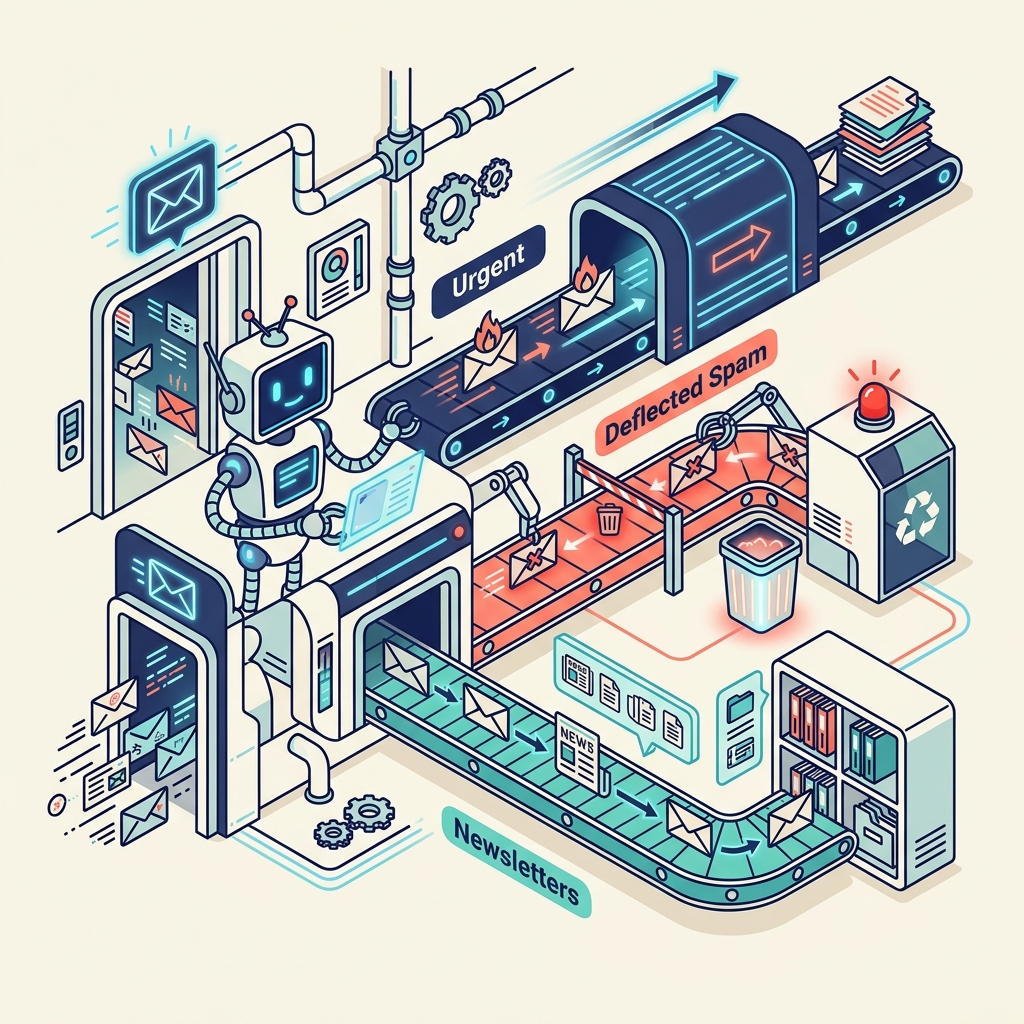
Hermes analyzes the incoming text and assigns it to one of four categories:
- Urgent Action (Code Red): Existing client reporting a critical issue, or a high-value lead ready to close.
- Routine Admin: Invoices, scheduled meeting confirmations, or minor project updates.
- Information/Read Later: Newsletters, industry updates, or low-priority networking.
- Trash: Cold pitches, PR blasts, and irrelevant noise.
3. The Autonomous Response
This is where the "Human on the Balcony" methodology shines. Hermes doesn't just sort; he acts.
If a vendor sends an invoice, Hermes verifies the amount against our agreed contract (stored in a local vector database), drafts a reply acknowledging receipt, and queues the payment in my finance software.
If it's an email regarding my charity, Become Inspired, Hermes cross-references our current program capacity and drafts a polite, context-aware reply using our approved messaging guidelines.
I don't write the emails. I just review the drafts in a single batch at 4:00 PM and click "Approve."
Protecting the Creative Mindset
When I was designing campaigns for global IP like Marvel, the biggest threat to my output wasn't a lack of ideas; it was context-switching. Every time you pause a creative task to answer an email, it takes 20 minutes to get your focus back.
By offloading the triage and drafting to a local AI agent, I protect my deep work blocks. The agent handles the noise, allowing me to focus on the signal.
Stop letting the world dictate your attention. Build a gatekeeper.
FAQ
Q: How does an AI agent differ from standard email rules?
A: Standard rules are keyword-based and rigid. An AI agent uses semantic understanding to determine the context, urgency, and intent of an email, allowing for much more accurate and intelligent triage.
Q: Is it safe to let an AI read my emails?
A: It is safe if you use a local AI model running on your own hardware. Sending your private emails to a public cloud AI poses significant privacy and compliance risks, particularly if you handle sensitive client data.
Q: Does the AI send emails without your permission?
A: No. A proper "Human on the Balcony" setup means the AI drafts the responses and categorizes the inbox, but a human must explicitly review and click "Approve" before any outbound communication is sent.