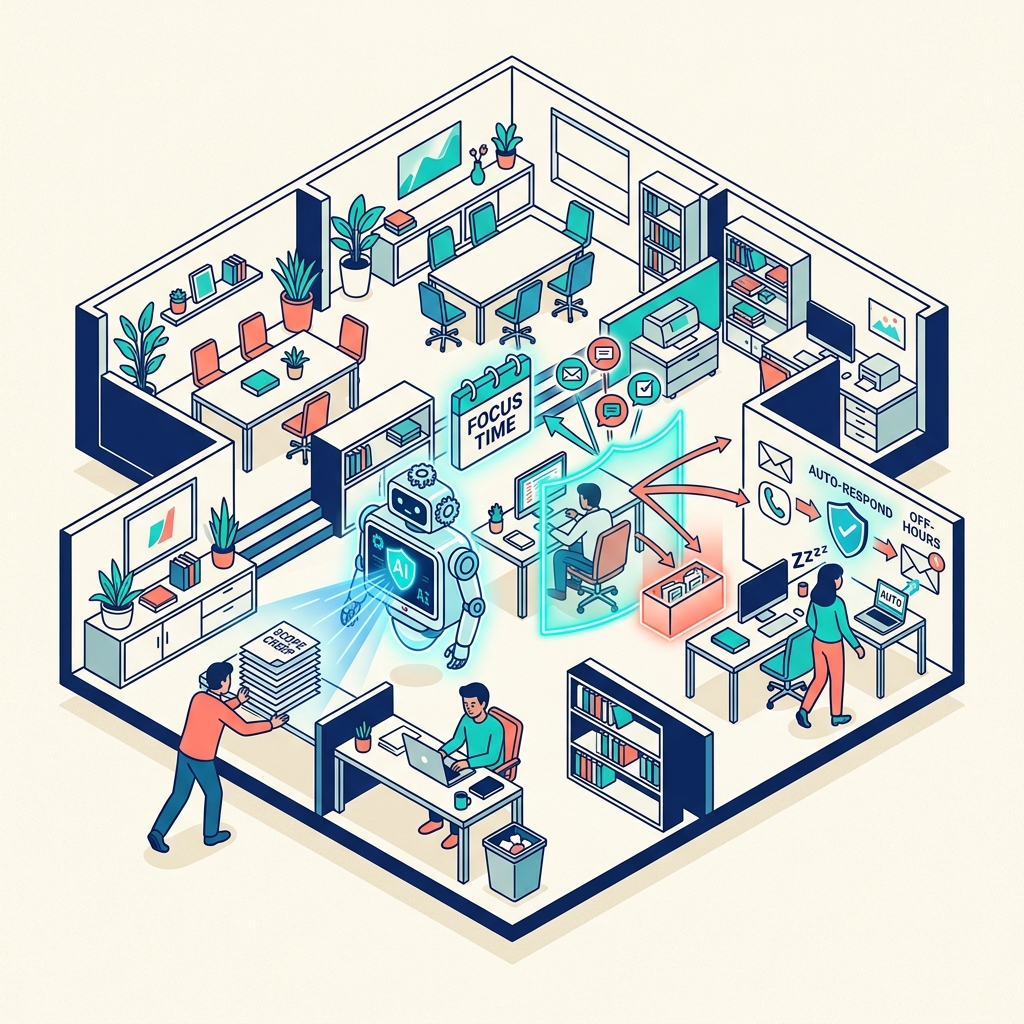
The hardest part of remote consulting isn't the work. It's the boundary erosion. When clients are in different time zones and can send messages at any hour, the line between "available" and "always on" disappears unless you actively defend it.
AI and automation are your boundary enforcement tools. They do the uncomfortable work of saying "not right now" so you don't have to.
The Problem
Without boundaries, location-independent work becomes:
- Responding to client messages at midnight because "they're in a different time zone"
- Taking calls during your designated deep-work blocks because "the client needs me"
- Checking notifications during time off because "what if it's urgent?"
This leads to the worst possible outcome: you left a fixed-location job for freedom, but you've built a mobile prison with longer hours and more stress.
The Automated Boundary Stack
1. Intelligent Auto-Responders
Set up email auto-responders that activate outside your working hours. But make them intelligent:
Instead of: "I'm out of office and will reply when I return." Use: "Thank you for your message. My working hours are 9:00-17:00 GMT, Monday to Friday. I will respond within 4 business hours during these times. For genuinely urgent matters, please use [emergency contact method]."
Your n8n automation can detect sender importance and route genuinely critical messages to your phone while holding everything else for business hours.
2. Calendar-Gated Meeting Scheduling
Never give clients your calendar directly. Use a scheduling tool (Calendly, Cal.com) that:
- Only shows availability during your designated meeting windows
- Includes buffer time between meetings automatically
- Enforces minimum notice periods (no same-day bookings)
- Blocks out deep-work days entirely
3. Automated Status Updates
The most effective boundary protection is proactive communication. When clients feel informed, they don't chase. Automate:
- Weekly progress summaries generated from your Notion project tracking and sent via automated email
- Milestone notifications triggered when you mark tasks complete in your project management system
- Next-steps documents shared automatically at the end of each work sprint
4. Agent-Mediated Communication
Your AI agent can handle initial client enquiries, route messages to the appropriate response queue, and provide instant acknowledgement—"Your message has been received and will be addressed during Simon's next available window."
This gives the client the satisfaction of acknowledgement without requiring your immediate attention.
The Boundaries Worth Protecting
Deep-Work Blocks
Designate 2-3 hour blocks daily for uninterrupted focused work. During these blocks:
- No email
- No Slack/messaging
- Phone on silent
- Agent handles all incoming communication
Weekend Rest
Location independence doesn't mean working seven days a week. Enforce weekend boundaries by:
- Removing work apps from your phone's home screen on Fridays
- Setting auto-responders for Saturday-Sunday
- Scheduling social and personal activities that make working feel like a loss, not a choice
Holiday Time
Take actual holidays. Not "I'll just check my email from the beach" holidays. Fully offline, agent-handles-everything holidays. Your systems should be robust enough to manage routine operations for a week without you.
The Client Conversation
The best boundary is an expectation set at the beginning: "I deliver my best work through focused, deep-work sessions. To protect the quality of your deliverables, I keep strict working hours and respond within agreed timeframes. You'll receive regular automated updates on progress, and I'm available for scheduled calls during my meeting windows."
Most clients respect this. The ones who don't are not the clients you want.