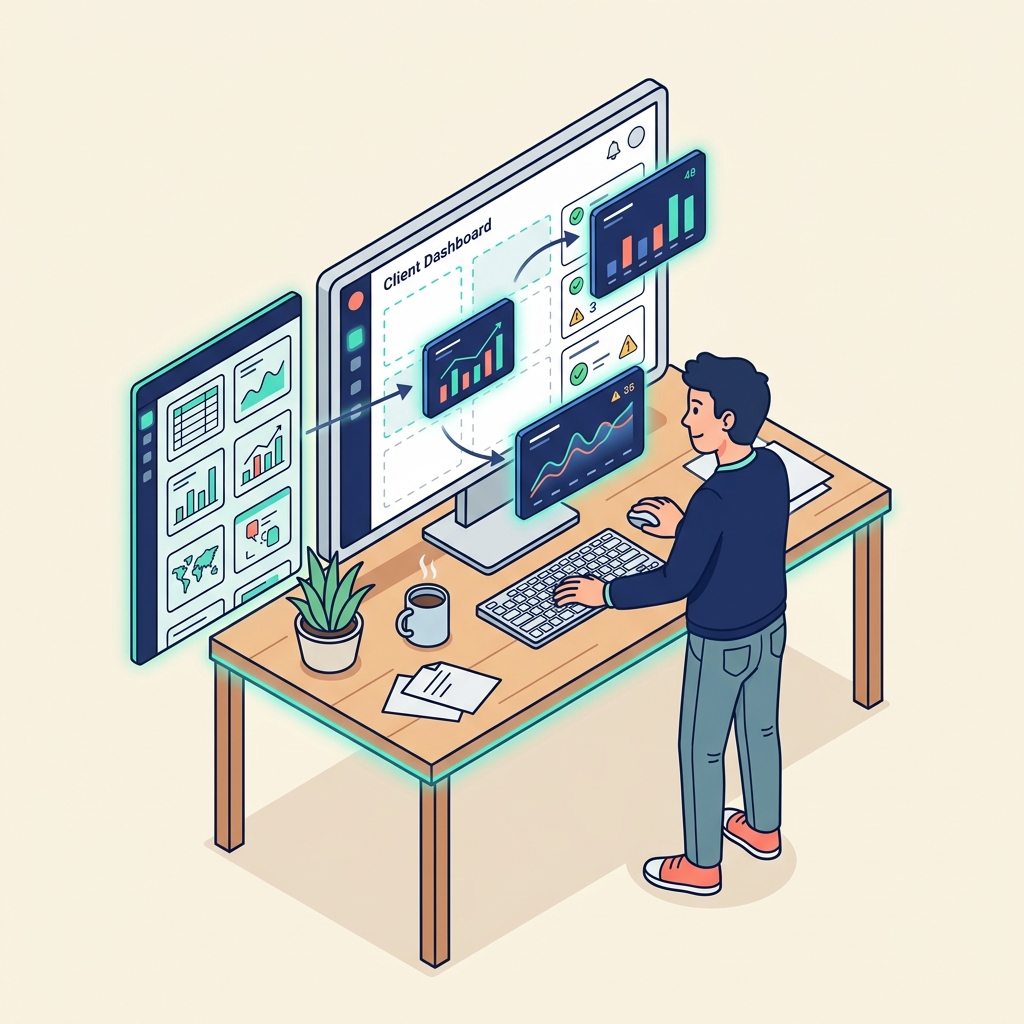
One of the most common friction points in consulting is the "where are we?" question. Clients want visibility into project progress, deliverables, and timelines. The traditional solutions—spreadsheets shared via email, manual status update calls, or expensive project management SaaS that the client needs to learn—are all suboptimal.
The vibe coding approach offers a different option: build a custom dashboard that does exactly what your clients need and nothing they don't.
The Brief
The requirements for a client dashboard are usually straightforward:
- Display current project phase and progress percentage
- List deliverables with status indicators (Not Started, In Progress, Complete)
- Show upcoming milestones and deadlines
- Include a simple messaging area for asynchronous updates
- Pull data from an existing Notion database (where the actual project management happens)
This is a clearly defined scope with well-understood components—exactly the kind of project where vibe coding produces strong results.
The Process
Using an AI coding assistant, the workflow looks like this:
- Describe the architecture: "Build a Next.js web app that connects to the Notion API. It should pull data from a specific database and render it as a dashboard with project phases, deliverable cards, and a timeline."
- Iterate on the UI: "Make the deliverable cards use a green/amber/red status system. Add a progress bar at the top. Use a clean, minimal design with my brand colours."
- Handle auth: "Add a simple password gate so only the client can access their dashboard."
- Deploy: Push to Vercel. Share the URL with the client.
Total active working time: roughly 3-4 hours, including testing and visual refinement.
What This Replaces
Without vibe coding, the options for this kind of tool are:
- Custom development: Hire a developer. Cost: £2,000-5,000. Timeline: 2-4 weeks.
- SaaS subscription: Pay for a project management tool with client portal features. Cost: £30-100/month, ongoing. Friction: the client needs to learn another platform.
- Manual updates: Send weekly email summaries. Cost: your time, every week, forever.
Vibe coding the dashboard cost nothing beyond the AI tool subscriptions already in the stack, and it produced a branded, custom experience that positions the consulting relationship as premium.
The Honest Caveats
- The AI generates functional code, but it doesn't automatically produce beautiful code. Visual polish requires specific direction—colour values, spacing, font choices. If you just say "make it look good," the result will be generic.
- Authentication for a real client portal needs to be properly implemented. A simple password gate works for low-sensitivity use cases; anything involving financial or personal data needs proper auth infrastructure.
- Maintenance is real. If your Notion database schema changes, the dashboard code may need updates.
Vibe coding doesn't eliminate the need for thoughtful planning. It eliminates the gap between having a clear plan and having a working product.