Right now, if you scroll through tech Twitter or any founder Slack group, you'll see the same debates over and over: Should I pay $20 for ChatGPT Plus or Claude Pro? Is Cursor better than Windsurf?
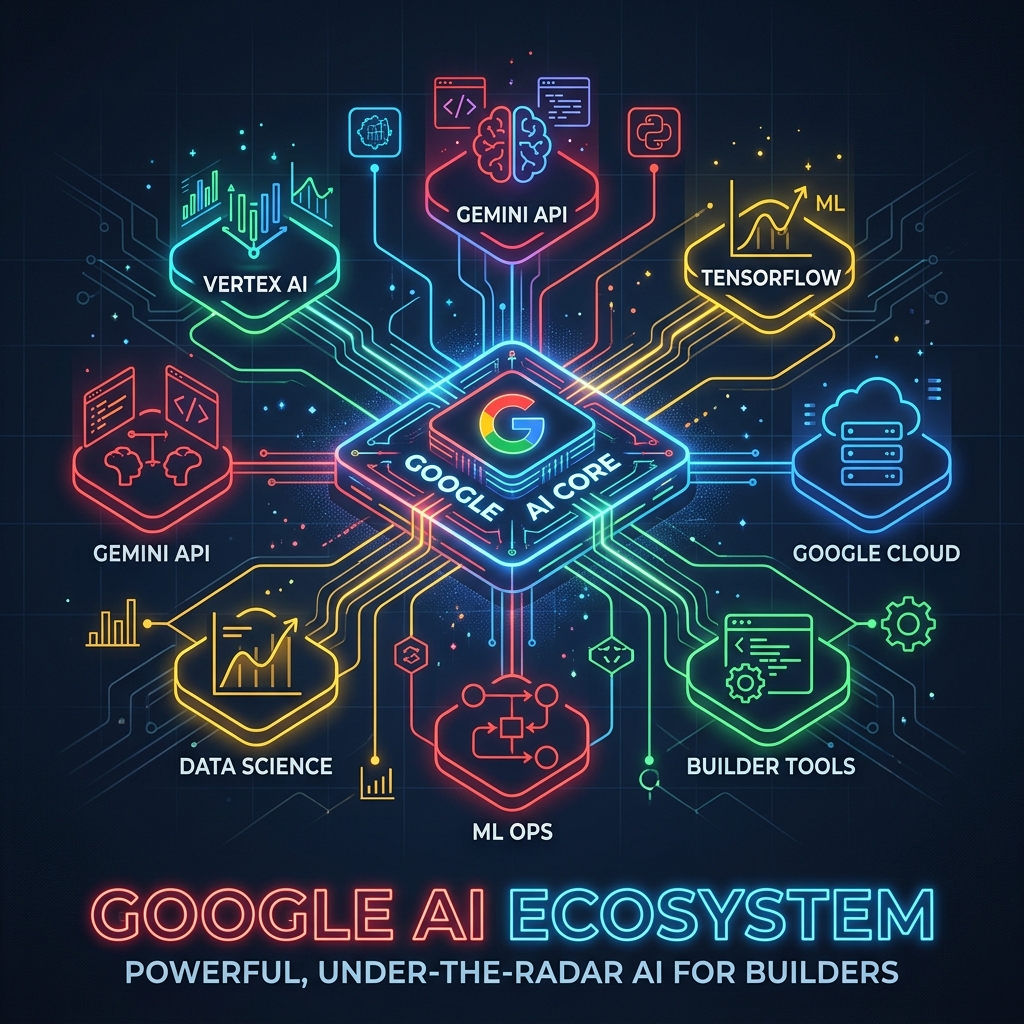
Here's the honest truth in 2026: While everyone is fighting over subscription models and getting hit with severe rate limits from Anthropic, a huge portion of the developer and creative community is completely sleeping on Google's AI ecosystem.
And by ignoring it, you are leaving serious capabilities—and generous free cloud credits—on the table.
1. Gemini Live 3.1: The Undisputed Multi-Modal API
I've talked about my vibe coding stack using Antigravity and Codex, but when I need a powerful, multi-modal backend API for my local agents (like Hermes), I reach for Gemini Live 3.1.
Google has managed to do something incredible with Gemini 3.1: it’s fast, the reasoning is sharp, and the context window is practically bottomless. If you are building local tools or personal assistants that need to ingest entire books, codebases, or massive datasets, Gemini Live 3.1 isn't just a great paid API—it's often the only one that won't throw a "context limit exceeded" error halfway through your workflow.
2. Google AI Studio: The Best Free Prototyping Environment
Most people assume you need to pay for an API key to start testing complex agentic workflows. You don't.
Google AI Studio is the best-kept secret for prototyping. It gives you direct, frictionless access to the Gemini models to build, test, and tweak prompts without immediately pulling out your credit card. The free tier is staggeringly generous. I routinely test out complex prompt chains for client data analysis in AI Studio before writing a single line of Python.
3. Stitch: Rapid UI Generation
If you aren't using Google's Stitch for UI prototyping, you are wasting hours of your life.
When I am scaffolding a new web app, I don't want to spend three days pushing pixels around to get a decent layout. Stitch allows me to generate functional, component-based UIs incredibly fast. It integrates perfectly into a modern web stack, allowing me to take the output straight into Codex for the heavy logic lifting. It essentially turns a weekend UI job into a 30-minute task.
4. Veo: Video Generation That Actually Works
For creative professionals, video generation has historically been a novelty—fun to play with, but unusable for actual client work due to weird artifacts and lack of consistency.
Google Veo has quietly changed that. The quality of the output, the consistency of the physics, and the ability to steer the model make it an actual, viable tool for B-roll, concept pitches, and social content. It's integrated into the Google ecosystem in a way that feels like a natural extension of your creative suite, not a standalone gimmick.
5. The Real Kicker: The Cloud Credits
Here is the part that blows my mind: Google is practically paying people to use their infrastructure.
If you are an independent builder or a small agency, the cloud credits Google offers through their startup and developer programs are incredibly generous. While other platforms are squeezing every penny out of developers with microscopic rate limits and high API costs, Google gives you the runway to actually build and scale your app without stressing over the bill.
If you are bootstrapping a new AI project, you should be building it on Google Cloud right now.
The Takeaway
The AI landscape in 2026 is noisy. It is easy to get caught up in the hype cycles of whichever startup just raised $100M. But if you strip away the marketing and look at what actually works for getting things done—reliably, efficiently, and cost-effectively—Google's entire AI offering is unmatched.
Stop sleeping on AI Studio. Try Gemini Live 3.1 for your next API integration. Use Stitch for your UIs. Take the free credits.
You'll wonder why you were ever paying $20 a month to get rate-limited.