Before AI image generation, presenting visual concepts to clients in the early stages of a project required either expensive concept renders, rough hand sketches, or pulling together mood boards from stock that never quite captured what you actually meant. The gap between what you were imagining and what you could show a client created friction, misalignment, and often wasted production time later.
I have been working in graphic design and visual communications for over 20 years — from early freelance illustration through to brand, campaign, and concept work for a range of commercial clients. Midjourney has genuinely changed how I handle the early stages of client visual work. Here is the exact workflow I use on real commercial storyboarding projects.
Why Midjourney for Storyboarding Specifically
Midjourney is not my tool of choice for final commercial deliverables — for brand-safe commercial image production, Adobe Firefly's content indemnity makes it the responsible choice. But for storyboarding and early-stage concept presentation, Midjourney's image quality and stylistic range make it unmatched in my experience.
The distinction matters: I am not delivering Midjourney images to clients as finished artwork. I am using it to communicate visual direction quickly and at high quality, so clients can make faster, more confident decisions about which direction to develop.
Step 1: Brief Distillation
Before I open Midjourney, I spend time with the brief. For storyboarding, I am trying to identify:
- The core emotional tone (what should the audience feel?)
- The visual grammar (what do references look like?)
- Key narrative beats (what moments need to be communicated?)
- Output requirements (what format, aspect ratio, and style fidelity does the final production require?)
I use Claude for brief distillation on complex projects. I paste in the full brief and ask it to extract the visual direction criteria. This takes a paragraph brief and turns it into a structured prompt seed.
Step 2: The Prompt Architecture
My Midjourney prompts for commercial storyboarding follow a consistent architecture:
[Scene description] — [specific visual details] — [lighting and mood] — [style reference] — [technical parameters]
Example prompt for a charity campaign brief:
A diverse group of young children gathered around a large table covered in art materials, natural window light from the left, expressions of focused engagement and joy, documentary photography style, warm tones, f/2.8 depth of field effect, --ar 16:9 --style raw --v 6
The --style raw parameter is important for commercial storyboarding — it produces less "Midjourney aesthetic" and more photorealistic output, which clients respond to better when evaluating whether a visual approach is right for their campaign.
Step 3: Rapid Variation and Direction Selection
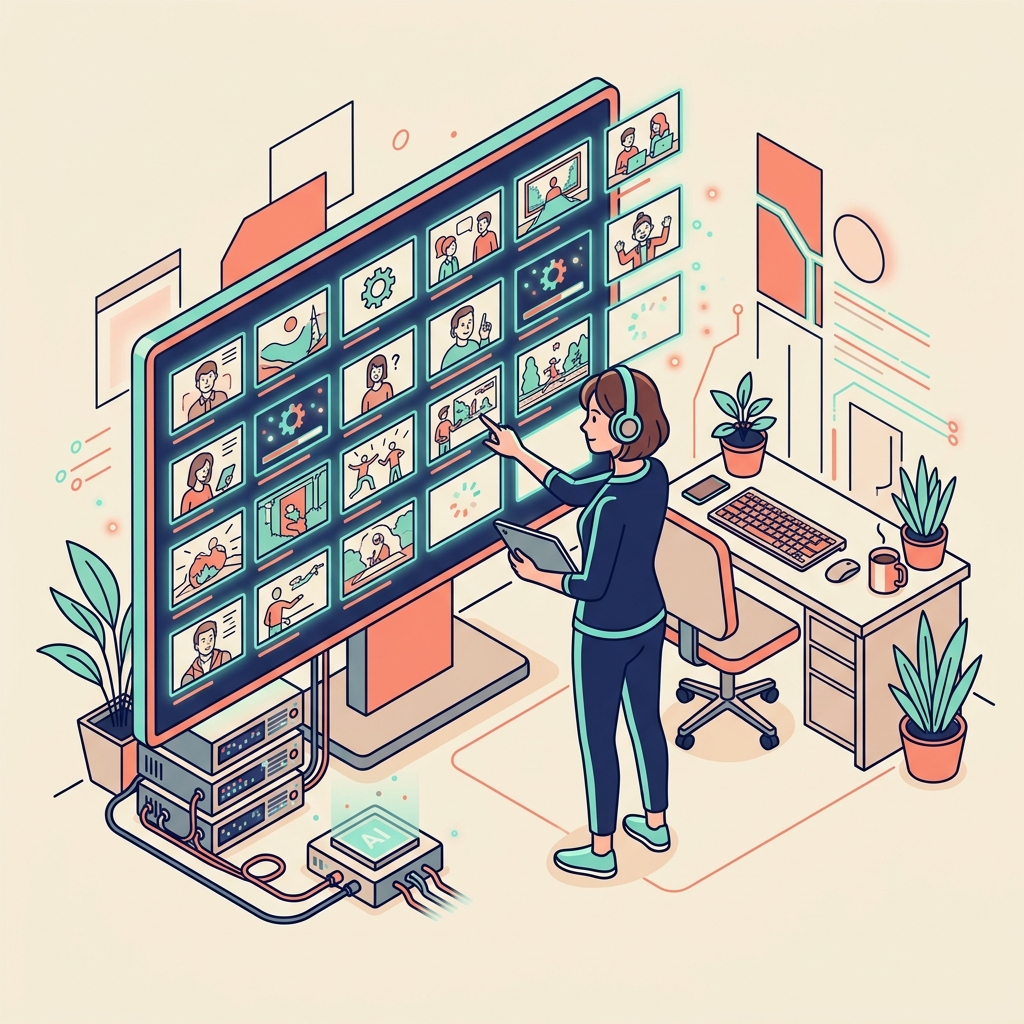
I typically generate 8 to 12 prompt variations across two or three distinct visual directions, running them in parallel. Midjourney's speed at V6 means this generates 30 to 40 candidate frames in under 20 minutes.
I then select the two or three strongest frames per direction and upscale them. The selection process is editorial judgement — which frames best communicate the visual direction, regardless of technical execution?
This is where developed aesthetic taste becomes a genuine production advantage. AI generates options rapidly; the value is in selecting the right ones.
Step 4: Client Presentation Format
I present Midjourney storyboard frames in a structured Keynote or Figma document, not as raw image files. Each frame is:
- Annotated with the shot description and emotional intention
- Grouped by visual direction (typically three distinct directions per brief)
- Accompanied by a brief written rationale for each direction
The presentation format is important. Raw AI images presented without context look like AI images. Properly framed within a structured visual presentation, they communicate creative direction credibly and professionally.
I am transparent with clients that these are AI-generated concept frames. In my experience, this is not a problem — clients care whether the concept communicates their brief, not whether a human or AI generated the reference image. What they are buying is the judgement and direction, not the pixels.
Step 5: From Concept to Production
After client selection of a visual direction, the Midjourney frames become reference only. Production artwork — whether illustration, photography direction, or graphic design — is developed from this reference using appropriate professional tools.
For commercial brand work, I move to Adobe Firefly for any AI-generated elements at production stage, precisely because of its commercial content indemnity. This is the responsible professional boundary.
The Real Impact on My Workflow
Before this workflow: first concept presentations took two to four days of preparation. Client decisions were slower because concepts were less clearly visualised. Misalignments between client expectation and production reality were more common.
After: first concept presentations take four to six hours. Client decisions are faster and more confident. Production-stage misalignments have reduced significantly because the visual contract is established earlier and more precisely.
At my consulting day rate, this represents a substantial efficiency gain that benefits both my business and my clients.
What Midjourney Cannot Do (And I Don't Ask It To)
Midjourney cannot replicate an existing brand identity with accuracy. It cannot produce print-ready commercial artwork. It cannot generate content involving specific real people's likenesses. It cannot reliably produce consistent character representations across multiple frames.
For licensed commercial work — any project involving brand characters, logos, or licensed properties — Midjourney is not appropriate at any stage. Style guide compliance requires precise technical control that AI generation cannot provide.
FAQ
Q: Is it legal to use Midjourney outputs in commercial client presentations? A: Midjourney's commercial terms permit use of outputs for commercial purposes for paid subscribers. However, for final commercial deliverables, especially in brand or licensed work contexts, you should use Adobe Firefly (which offers explicit commercial indemnity) rather than Midjourney.
Q: What Midjourney subscription tier do I need for commercial use? A: The Pro plan or above for full commercial usage rights. Check Midjourney's current terms — they have changed these policies multiple times.
Q: How do I get better at writing Midjourney prompts? A: Study the output-to-prompt relationship: when you see an image you like, analyse why it works and reverse-engineer what prompt elements created that result. The Midjourney Discord community is also a genuinely useful resource for prompt development.
Q: Should I tell clients their storyboards were made with AI? A: I am transparent about it and recommend you be too. Clients who have concerns about AI image generation generally want to know, and withholding that information creates trust problems. In my experience, framing it correctly — "these are AI-generated concept references, not final artwork" — generates no resistance.
Q: How does Midjourney V6 compare to DALL-E 3 for storyboarding? A: For stylistic range and image quality at storyboarding scale, Midjourney V6 currently produces more consistently impressive results in my experience. DALL-E 3 (via ChatGPT) is more convenient for quick iterations but the quality ceiling is lower. Firefly is the right choice for commercial production, not storyboarding concept work.