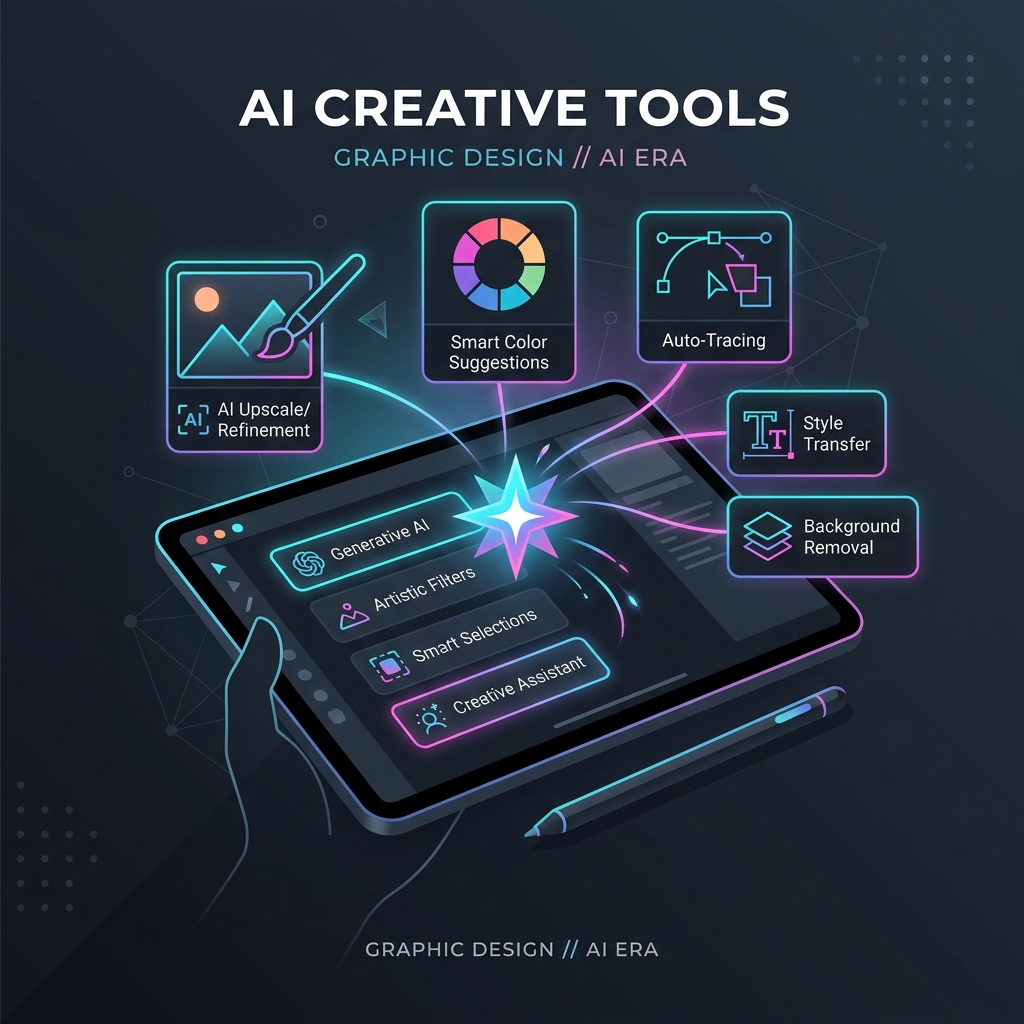
There are thousands of AI tools. Most articles about them are written by people who have tested each one for a weekend and assembled a list with affiliate links.
This is not that article.
I have been working in graphic design, brand, and creative consulting for over 20 years — from freelance illustration through to commercial campaigns, facilitation programmes, and now running a distributed business remotely across Southeast Asia. I also co-run Become Inspired, a facilitation company that has worked with 120 schools and reached over 100,000 young people across the UK.
Over the last two years, working from Bangkok, Phnom Penh, Ho Chi Minh City, and various other locations with varying quality Wi-Fi, I have built a working AI stack. Here is what is actually in it, and why.
The Core Principle: Use AI for What It Is Good At
Most people approach AI tools the wrong way — they pick one, try to use it for everything, find it unsatisfying, and conclude AI is overhyped.
The tools that have stuck in my workflow are each best-in-class for a specific function. The system works because each tool handles what it handles best.
Research: Perplexity AI
What it does: Synthesises information from live web sources with inline citations.
Why it works for creatives: When you are researching a brief, a client's market, or a trend, you need sources you can actually verify. ChatGPT gives you synthesis from training data — good for general knowledge, unreliable for current specifics. Perplexity searches the live web and cites what it finds.
For me, working across multiple client projects and education programmes, Perplexity has replaced most of my desk research workflow. I use it to get rapid landscape understanding before going deeper with primary sources.
Best for: Brief research, competitive landscape, trend identification, source discovery.
Tier needed: Pro (worth it for the source-type filtering).
Read my full Perplexity workflow →
Visual Concept Work: Midjourney
What it does: Generates high-quality images from text prompts.
Why it works for creatives: For storyboarding, concept presentation, and visual direction — before committing to production — Midjourney's image quality is unmatched in my experience. I use it to show clients a visual direction in hours rather than days.
Important distinction: I do not deliver Midjourney images as final commercial artwork. For production, I use Adobe Firefly (which has commercial content indemnity). Midjourney is for concept stage.
Best for: Client concept presentations, visual storyboarding, art direction references.
Tier needed: Pro for commercial use.
Read my full Midjourney storyboarding workflow →
Commercial AI Images: Adobe Firefly
What it does: AI image generation with explicit commercial content indemnity.
Why it works for professionals: If you are producing images for commercial use — brand work, client campaigns, licensed projects — you need to know the images are legally clean. Adobe Firefly is trained on licensed content and offers commercial indemnity that Midjourney and DALL-E do not provide.
For any project where the client cares about IP, Firefly is the responsible choice at production stage.
Best for: Final commercial image production, brand-safe campaigns.
Tier needed: Included in Creative Cloud subscription.
The Essential Workstation: ChatGPT & Codex
What it does: Complete office work environment and the only real IDE you need.
Why it works for creatives: ChatGPT is absolutely brilliant right now. It has become my essential workstation for all office tasks, writing, strategy, and day-to-day admin. When it comes to actually building things, Codex is the only real IDE you need. It handles the heavy lifting flawlessly.
Best for: All office work, coding, strategy, and general workstation tasks.
Tier needed: Plus/Pro tiers (but worth every penny).
Read my actual vibe coding stack guide →
The Sleeping Giant: Google's AI Ecosystem & Gemini Live 3.1
What it does: A comprehensive, generous ecosystem of tools including Gemini Live 3.1, AI Studio, Stitch, and Veo.
Why it works for creatives: Most people are sleeping on all the amazing free tools Google offers. Gemini Live 3.1 is an incredible paid API, but the free tiers across Google's offering are unmatched. From AI Studio for rapid prototyping, Stitch for UI generation, to Veo for video, Google provides a massive amount of generous cloud credits and free access that developers and creatives are leaving on the table.
I am a massive fan of Google's entire AI offering right now.
Best for: Multi-modal analysis, rapid prototyping, UI generation, and scaling with free cloud credits.
Tier needed: Free tiers are amazing; Gemini Live 3.1 API is a great paid option.
Read why everyone is sleeping on Google's AI ecosystem →
Project Management: Notion AI
What it does: AI integrated into a relational database and note-taking system.
Why it works for multi-project management: Running several projects simultaneously — Become Inspired programmes, freelance design, AI projects, this blog — across different time zones and locations requires a system that keeps everything visible without requiring constant manual effort. Notion AI helps me summarise, draft, and review across a linked database of contacts, projects, and deliverables.
For anyone running more than two or three concurrent projects, the combination of relational databases and embedded AI is genuinely useful.
Best for: Pipeline management, proposal drafting, meeting notes, multi-project visibility.
Tier needed: Notion AI add-on (worth it for professional use).
Read my full Notion AI setup →
Content Creation: Ray-Ban Meta Glasses
What it does: First-person POV photo and video capture, AI-assisted.
Why it works for nomad content creators: This one is less obvious, but it has become a significant part of my content workflow. Ray-Ban Meta glasses let me capture first-person footage and photos without stopping what I am doing — walking through Bangkok markets, working from beach cafes in Da Nang, exploring Phnom Penh. The result is genuine, unposed content that no standard camera workflow produces.
I have two years of Southeast Asia footage captured this way. The content is authentically documentary because it was not performed for a camera.
Best for: Authentic travel and nomad content, POV documentation, informal capture.
Read my full Ray-Ban Meta review for content creators →
Voice Generation: Kitten TTS
What it does: Open-source Text-to-Speech generation.
Why it works for creatives: When you need voiceovers or audio generation without eating up all your system resources, Kitten TTS is my absolute favourite low-VRAM open-source option. It runs beautifully on local hardware and sounds fantastic without the heavy overhead of other models.
Best for: Local voiceovers, game dev, and independent media projects.
Tier needed: Free / Open Source.
AI Coding and Building: Antigravity + Codex + Local Agents
What it does: Agentic AI coding and heavy lifting software development.
Why it works for builders: I do not advise anyone to use Cursor anymore. The models have gotten dumber, rate limits are harsh, and Anthropic's treatment of customers is terrible. Instead, my "vibe coding" workflow relies on serious agentic power. I sketch ideas out using local agents like Hermes or Pi Agent, then jump into my environment and start with Antigravity (Google Deepmind's Advanced Agentic Coding system) to scaffold and set up the foundation. Finally, I do the heavy lifting in an IDE powered by Codex.
This is the stack I use to build and launch real applications, and it is the core of what I think of as modern vibe coding — deploying true autonomous agents rather than glorified autocomplete.
Best for: Founders and creators building real web applications and deploying complex side projects.
Read my actual vibe coding stack guide →
Knowledge Management: Obsidian
What it does: Local, networked note-taking and knowledge management.
Why it works for complex multi-project work: Obsidian is where I keep my working knowledge — project notes, research, ideas, connections between topics. Unlike cloud-based tools, it stores everything locally, which matters when you are working across different countries with varying connectivity. The networked notes structure (links between notes) is especially useful for managing knowledge across multiple domains simultaneously.
Best for: Personal knowledge management, cross-project research, offline-capable note-taking.
Tier needed: Free (core functionality); Obsidian Sync for multi-device.
My Actual Stack — Summarised
| Tool | Primary Use | Cost |
|---|---|---|
| Perplexity AI | Research and source discovery | Pro ~$20/mo |
| Midjourney | Visual concept work | Pro ~$60/mo |
| Adobe Firefly | Commercial image production | Included in CC |
| ChatGPT | Essential workstation & writing | Plus ~$20/mo |
| Google AI Ecosystem | Gemini 3.1, AI Studio, Stitch, Veo | Free tiers / generous credits |
| Kitten TTS | Local voice generation | Free / Open Source |
| Notion AI | Project management | AI add-on ~$10/mo |
| Ray-Ban Meta | Content capture | Hardware ~$300 |
| Antigravity + Codex | Heavy lifting AI coding | Varies / Free |
| Pi Agent / Hermes | Ideation & Architecture | Local / Free |
| Obsidian | Knowledge management | Free |
Total: ~$150/month for a complete professional creative AI stack.
What I Don't Use (And Why)
Claude & Cursor: I would never actually advise people to use Cursor anymore. The models have gotten dumber, rate limits are harsh, and Anthropic's treatment of customers is terrible. I use a tiny bit of Claude Desktop, but generally, it's terrible at the moment.
Canva AI: Useful for quick social content, not for client-grade creative work. If you are a designer producing professional work, Midjourney and Firefly give you more control.
Jasper / Copy.ai: Dedicated AI writing tools that do not, in my experience, produce better results than ChatGPT for the same prompting effort.
FAQ
Q: Do I need all of these tools? A: No — build gradually from what you actually need. Start with Claude (for writing and thinking) and Perplexity (for research). Add specialist tools as specific needs arise.
Q: Are there free alternatives to these? A: Yes. Perplexity has a useful free tier. Claude has a free tier. Gemini has a free tier via Google. If you are starting out, you can build a functional workflow before spending anything.
Q: How do you manage the cost of multiple AI subscriptions? A: Review what you are actually using every month. Most tools have a free tier that covers casual use. I pay for the tools I use every week; tools I use occasionally stay on free tiers.
Q: Is there one AI tool that does everything? A: Not at the level of quality a professional creative needs. The tools that claim to do everything tend to do nothing particularly well. A focused stack of best-in-class tools outperforms one generalist tool.
Q: What AI tools are best for beginners? A: Start with Claude or ChatGPT for general tasks, Perplexity for research, and Canva AI for quick visual content. Once you have a sense of what you need most, add specialist tools.